November 20, 2026
Your AI assistant can now write texts to your clients
Your AI assistant can now write a text to a client, and it waits in Updog until you press Send. Tag journeys can run from each client's funding date, and you can mention other contacts in a note with @. Below those are agent teams, Do not contact, a closing disclosure milestone and this week's fixes.
Medium
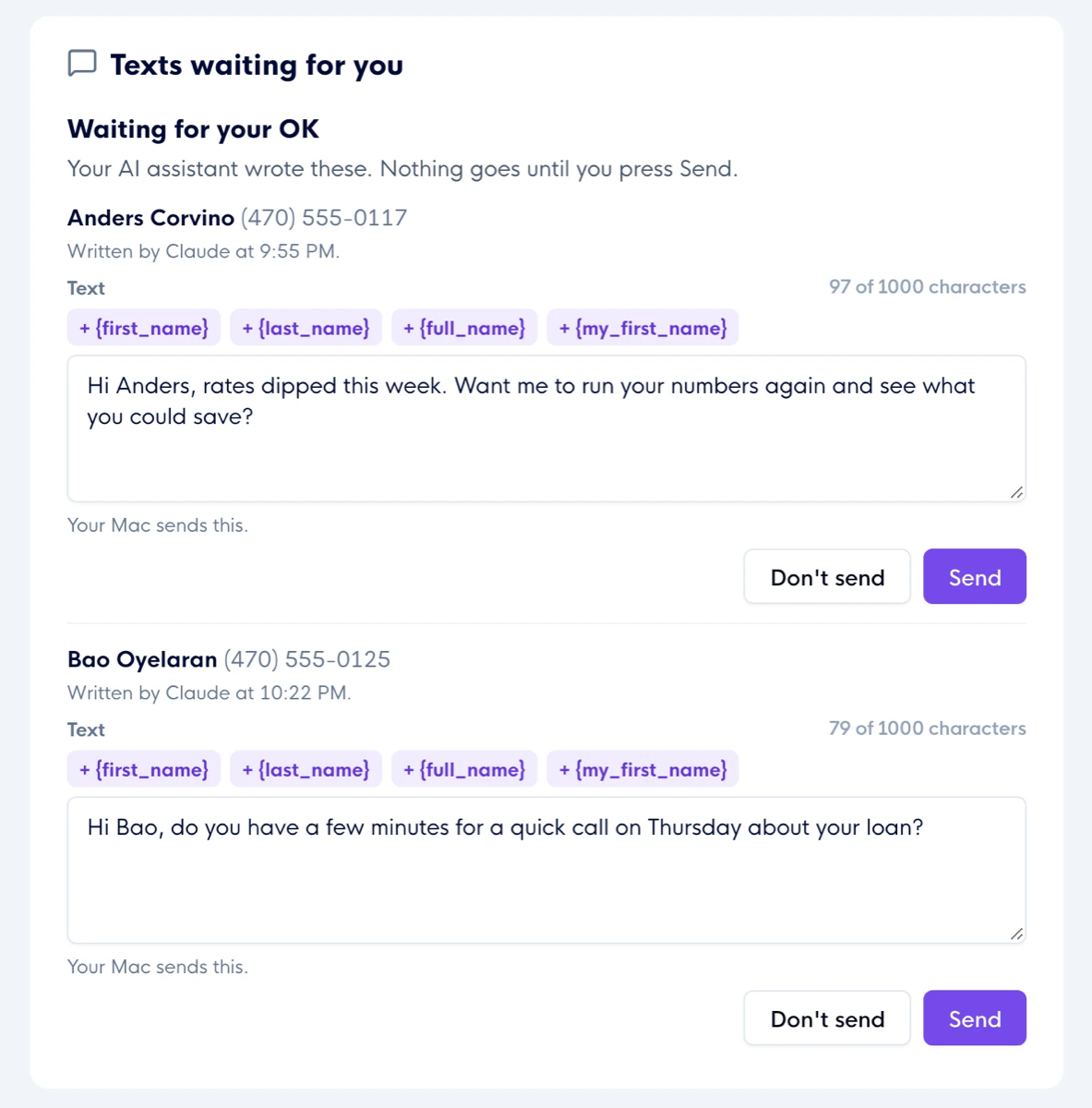
- Let your AI assistant write a text that waits for your OKAn AI assistant connected to Updog, or a tool using the Updog API, can now write a text to a client. It waits in Updog until you read it, change it if you want, and press Send.
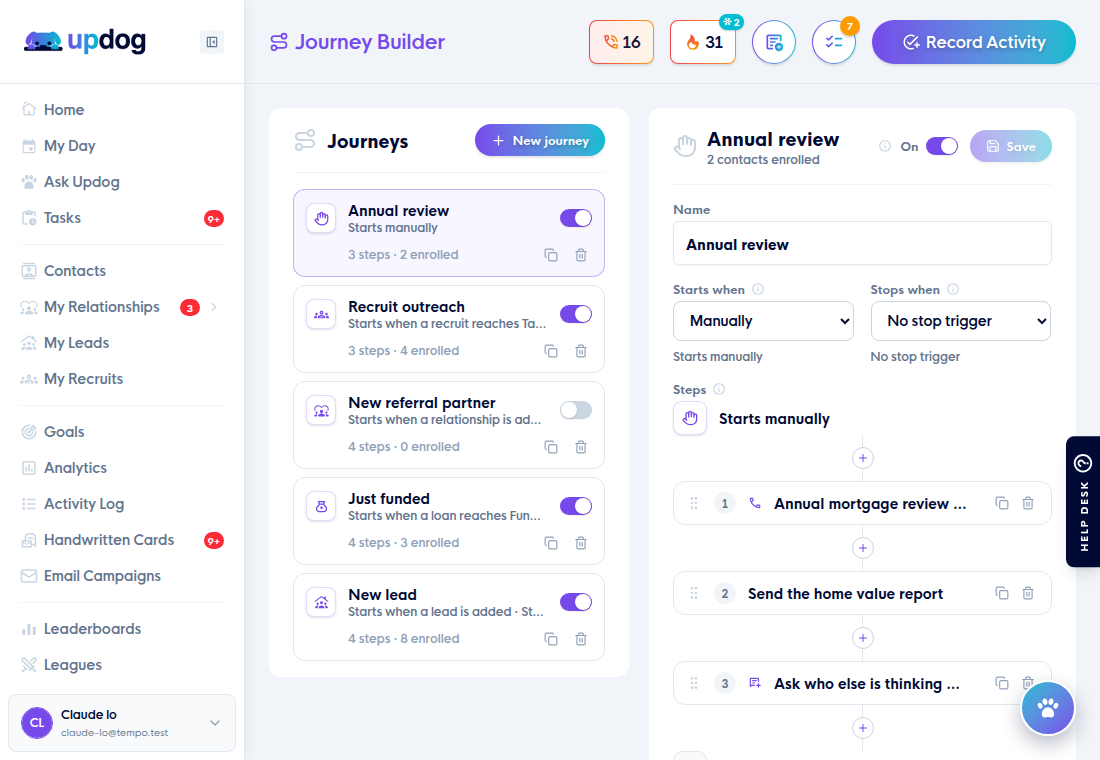
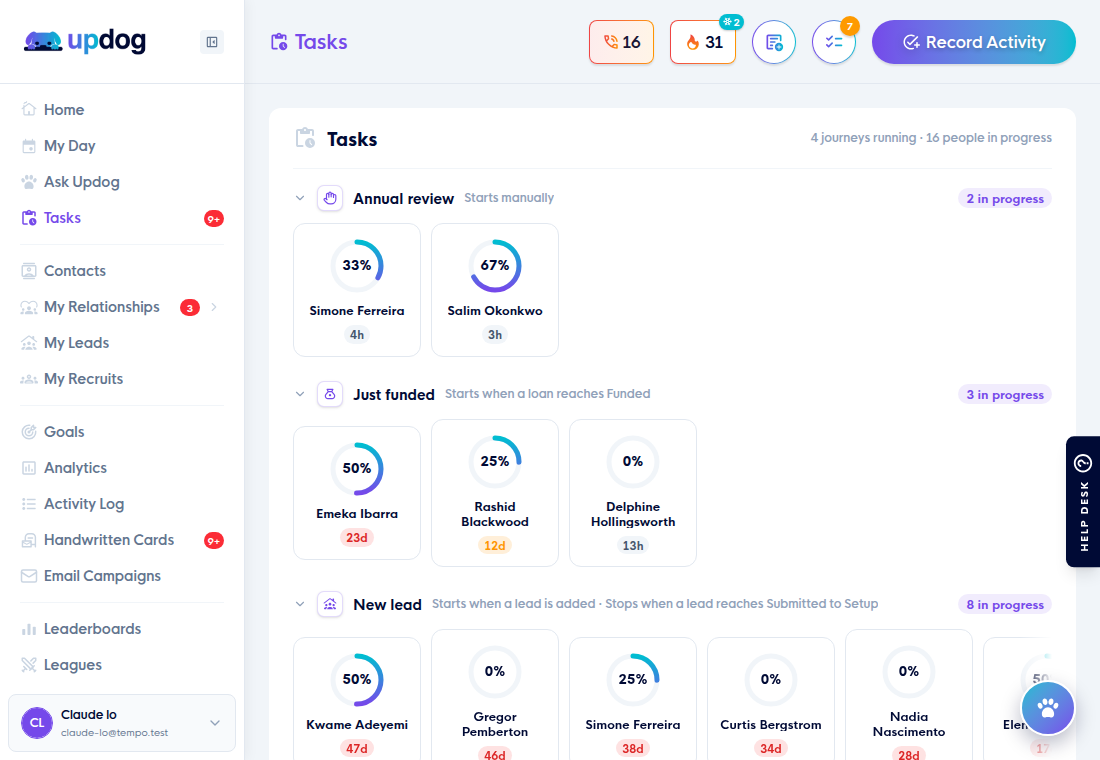
- Time a tag journey from the client's funded loanA journey that starts on a tag can now time its steps from the client's funding date and send to the agents on their loan. Add Tags on Contacts now tags everyone your filters find, so your past clients can start it at once and each one gets only the steps still ahead of them.
- Mention other contacts in notes with @Type @ in any note to mention another of your contacts. The name becomes a link to their card, and the note shows on their card too, so a note about a borrower and their agent can be found from either one.

- Attach files to a journey emailA journey email can now carry up to three files. Open the email in Journey Builder and press Attach a file under the message. A file can be a PDF, a Word, Excel or PowerPoint file, or a JPEG or PNG picture, and every copy carries it, whether the email goes from your own Gmail or Outlook or from your Updog email.
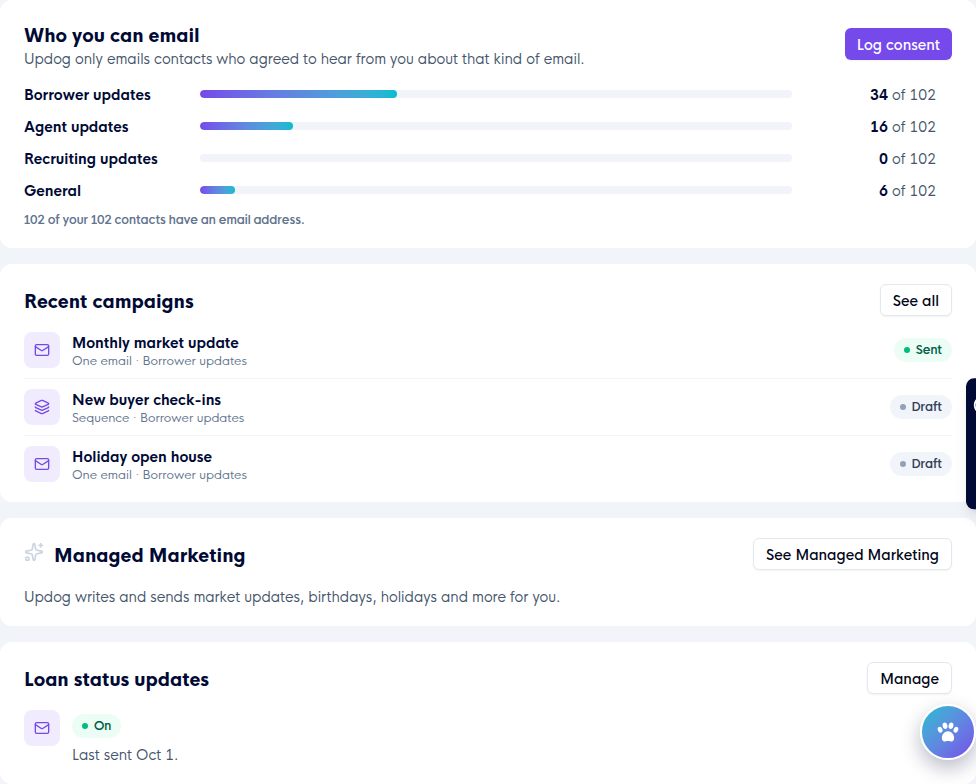
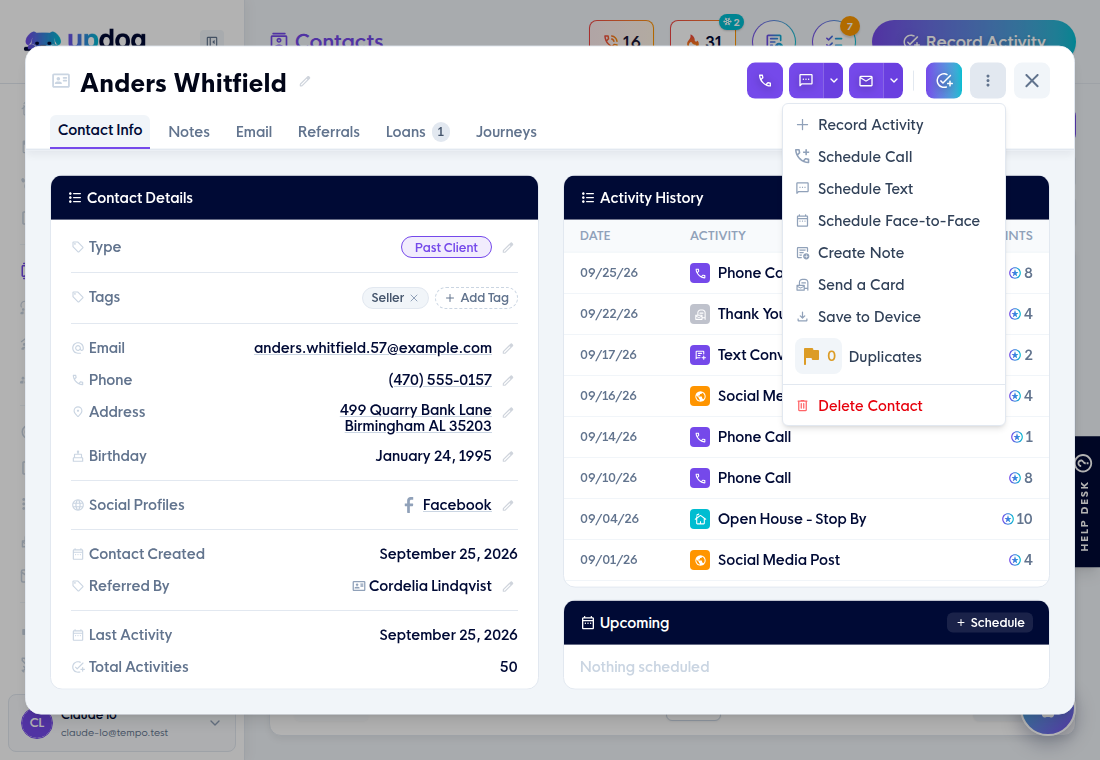
- Mark a contact Do not contactMark a contact Do not contact from their record or from Contacts' bulk actions. While it is on, Updog will not email, text or mail them a card, will not put them on a call list, and their journeys skip any step that would reach them. Their contact and history stay, and turning it off puts everything back.

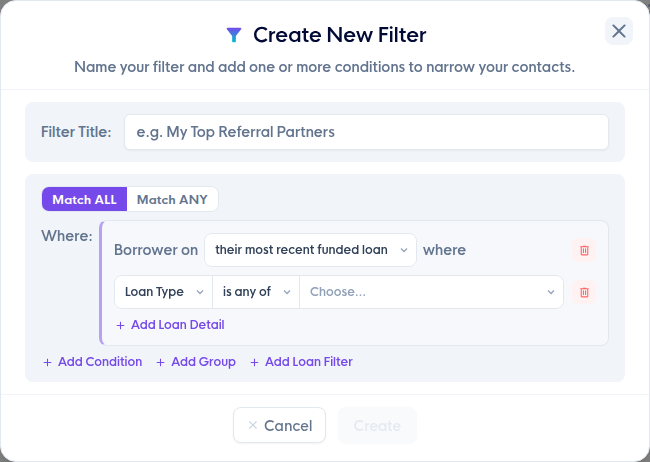
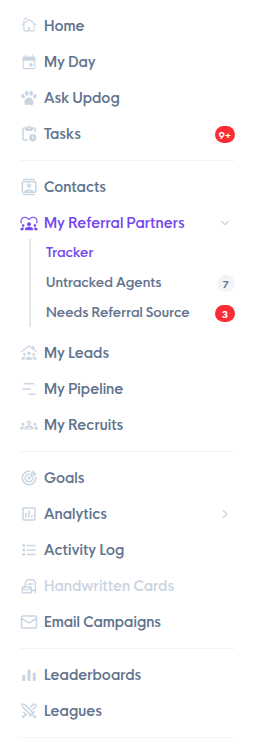
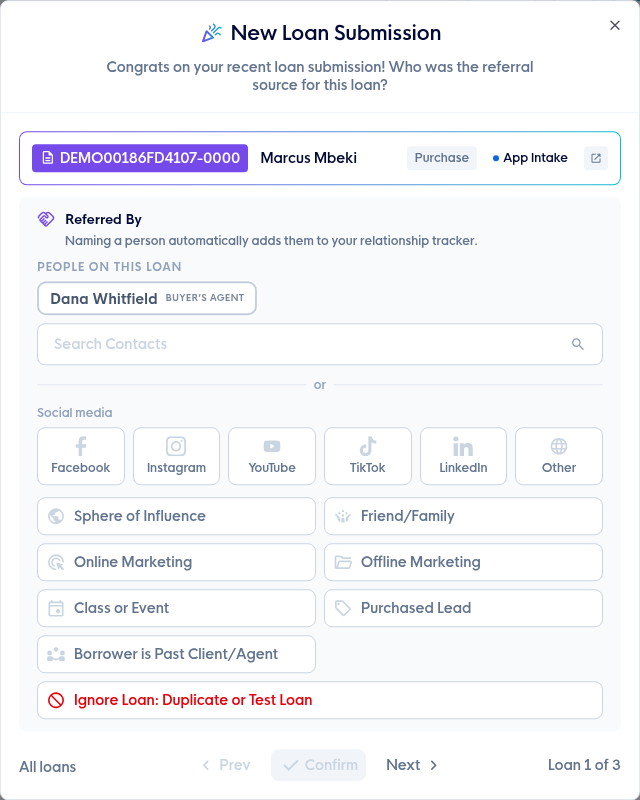
- Say a contact came from Facebook, Instagram or another sourceSet Referred By on a contact to Facebook, Instagram, YouTube, TikTok, LinkedIn, a class or event, or another source. Contacts has a Referral Source filter, and My Referral Partners shows how much funded volume came from social media.
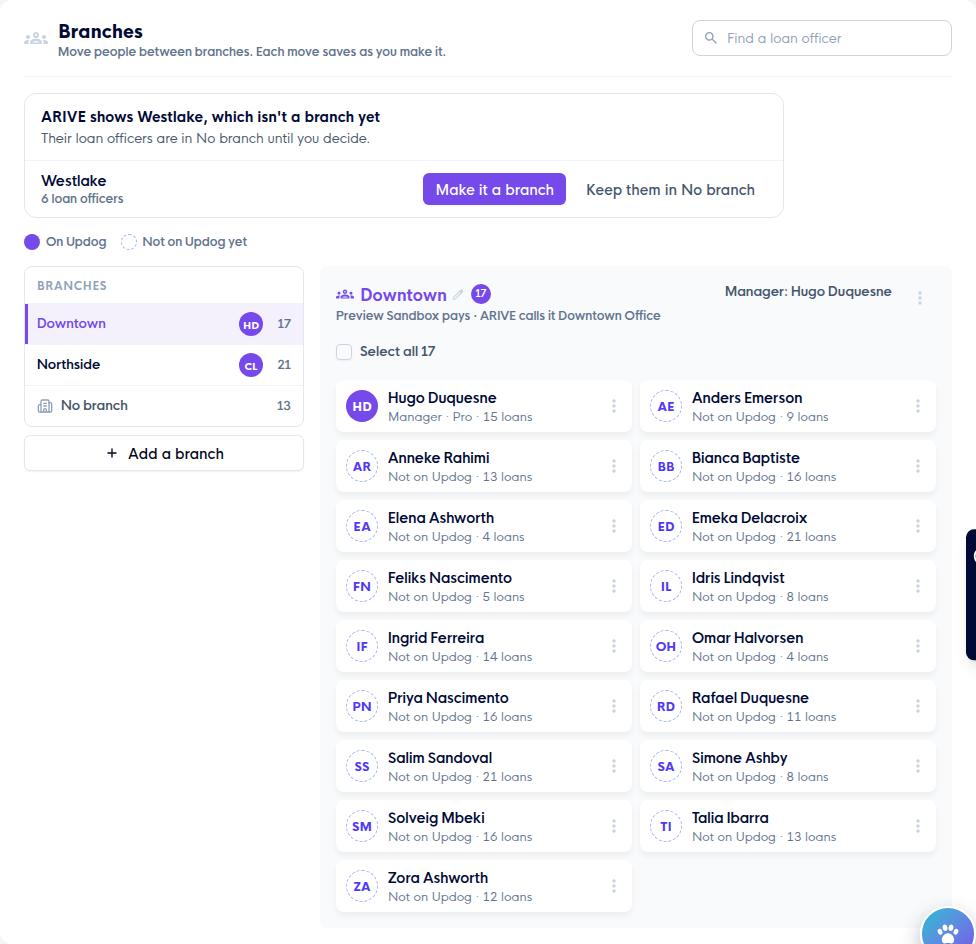
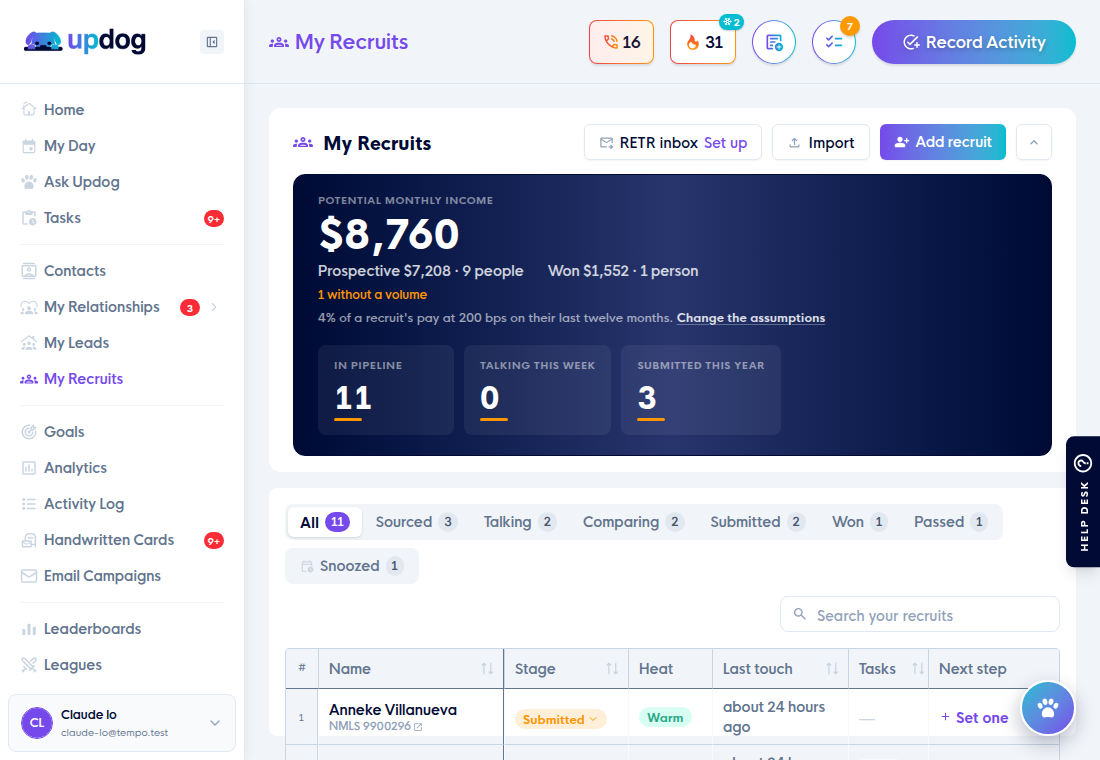
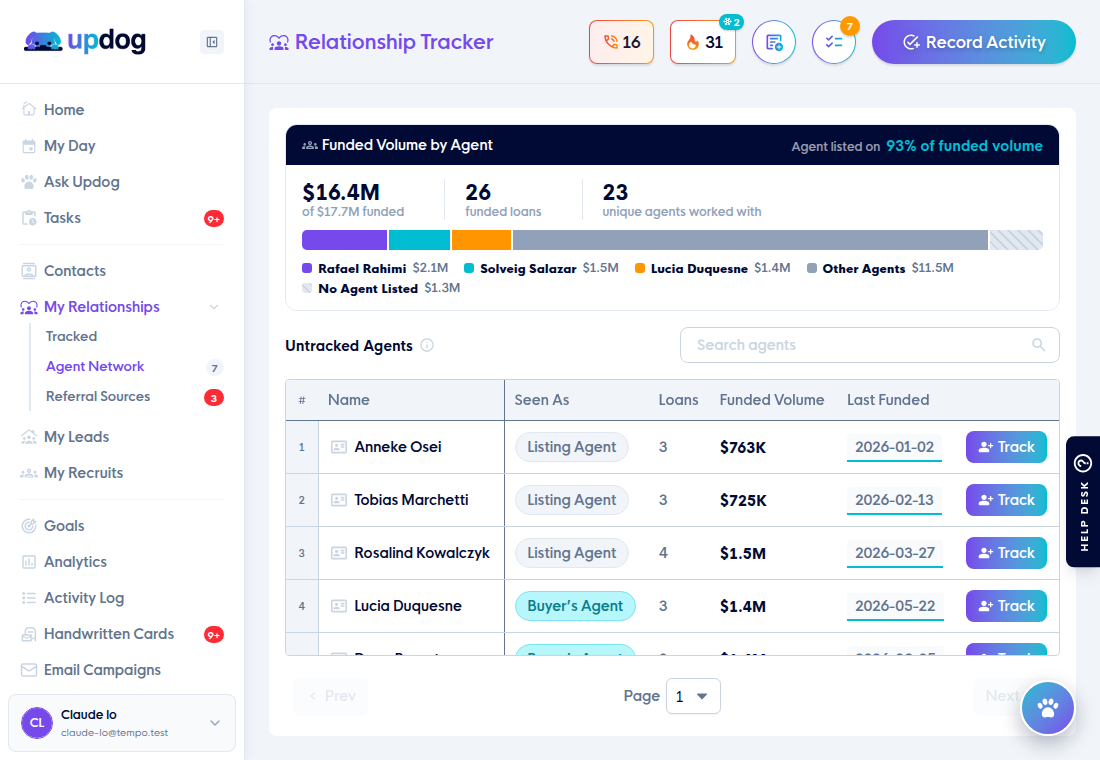
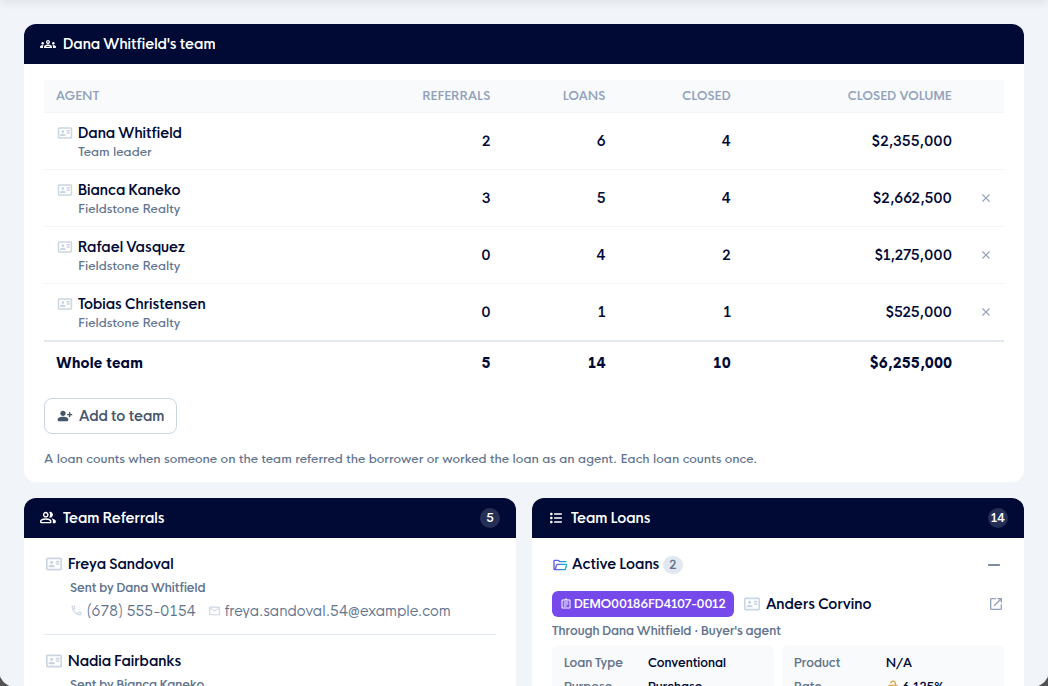
- Put agents on their team leader's team, grouped by brokeragePut agents on their team leader's team and give each agent a brokerage. A team leader's card has a Team tab that adds up the whole team's referrals, loans and closings, and My Referral Partners has a new Brokerages view.
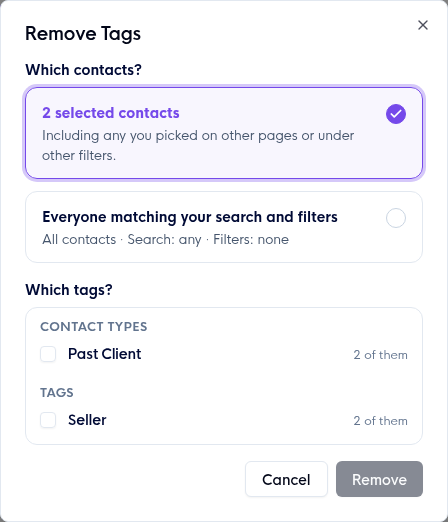
- Remove a tag or Contact Type from many contacts at onceOn Contacts, take a tag or Contact Type off many contacts at once. Tick some, open Actions and choose Remove Tags, then pick the ones you ticked or everyone your search and filters find. Ask Updog can do it too.
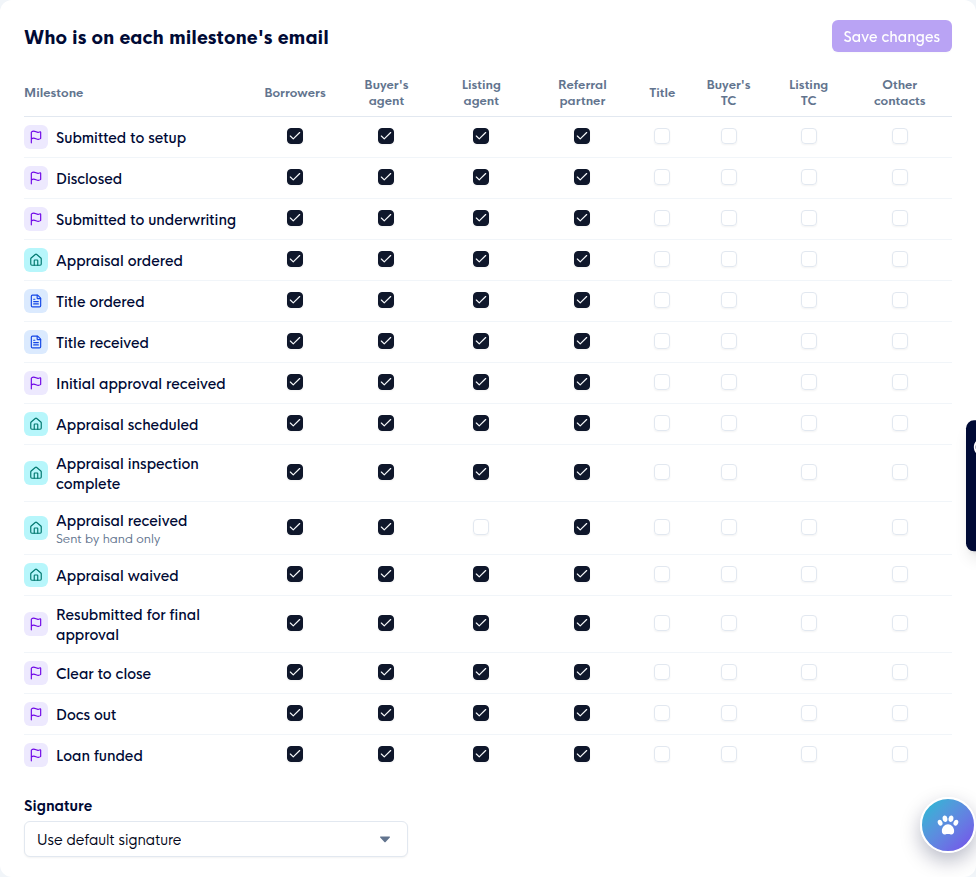
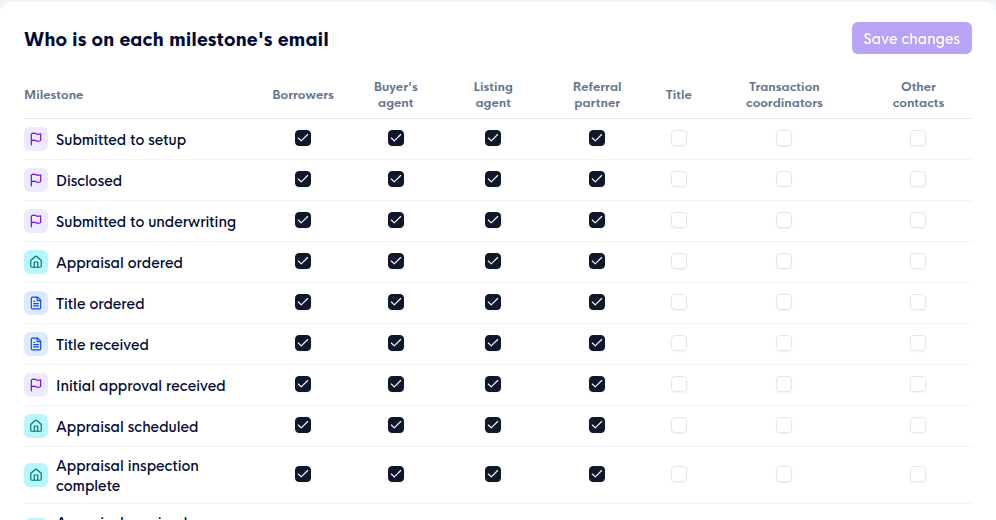
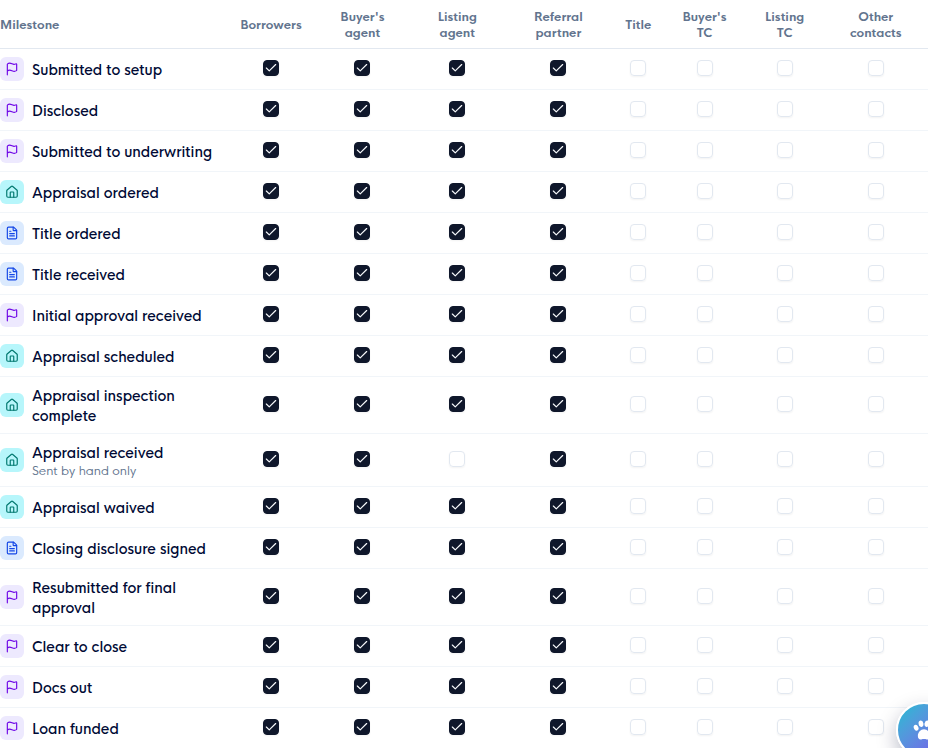
- Send a loan status update when the closing disclosure is signedLoan status updates can now tell everyone on a loan when the borrower signs the closing disclosure, from the date in ARIVE. If your updates were already on, the new milestone starts switched off, so tick who should get it on the Loan status updates page. Journeys can start on it, and contact filters can find people by the date it was signed.
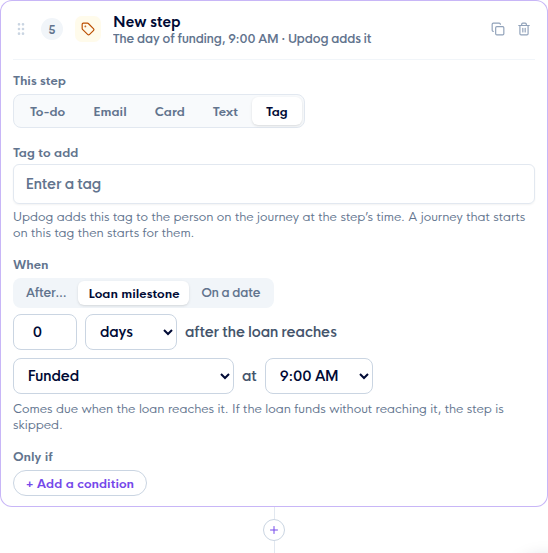
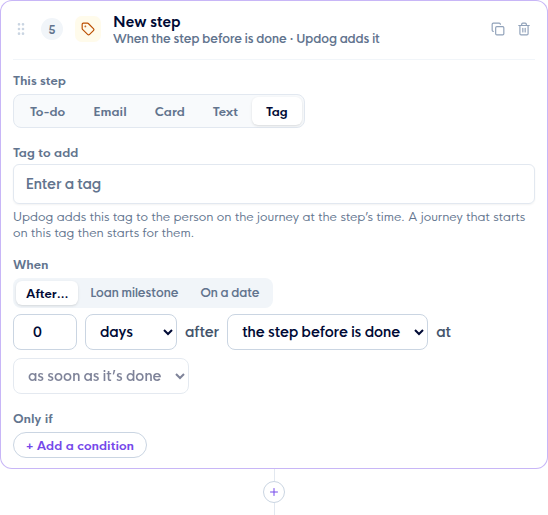
- Add a tag from a journey stepA journey step can now add a tag. Tag people at the right moment, such as pre-approved borrowers who are not under contract by day 105, and any journey that starts on that tag picks them up, so one journey hands off to the next.
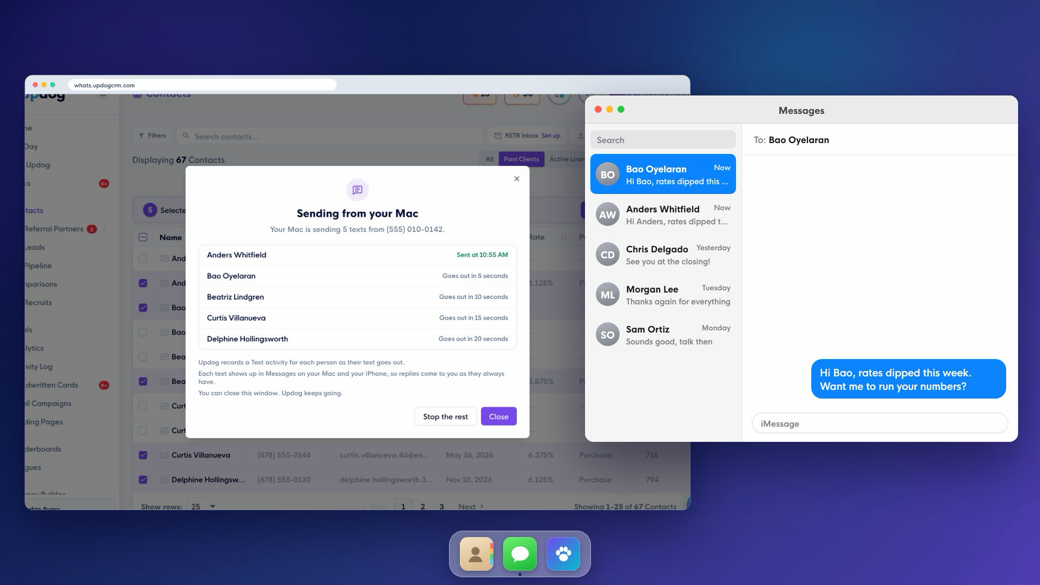
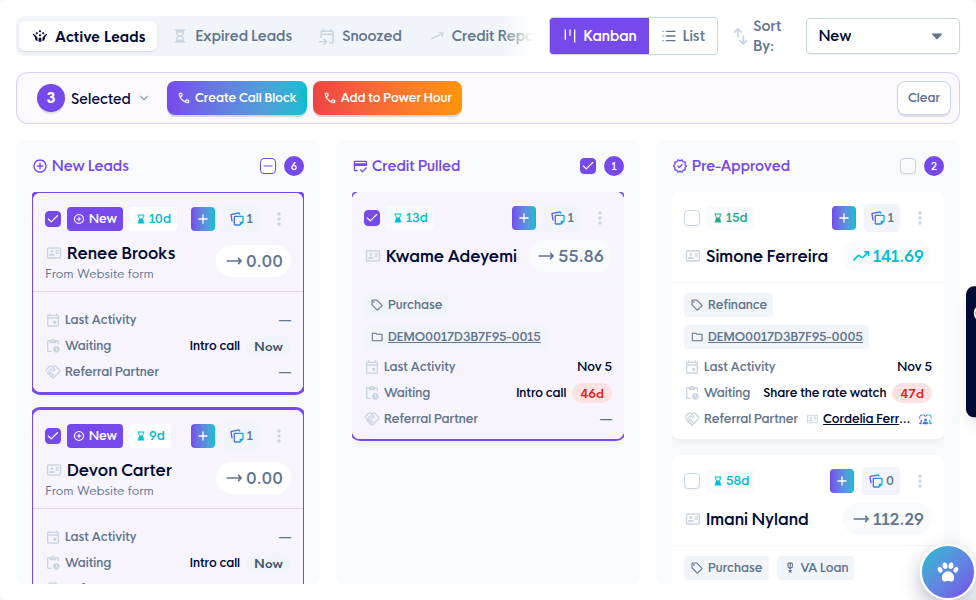
- Send a picture with a text from DogBot, and 25 people in one Updog SendYou can now send a picture with a text from DogBot. Choose Add a picture when you text a contact or use Bulk Text, and your Mac sends it right after the words. Bulk Text now takes up to 25 people at a time.
Small
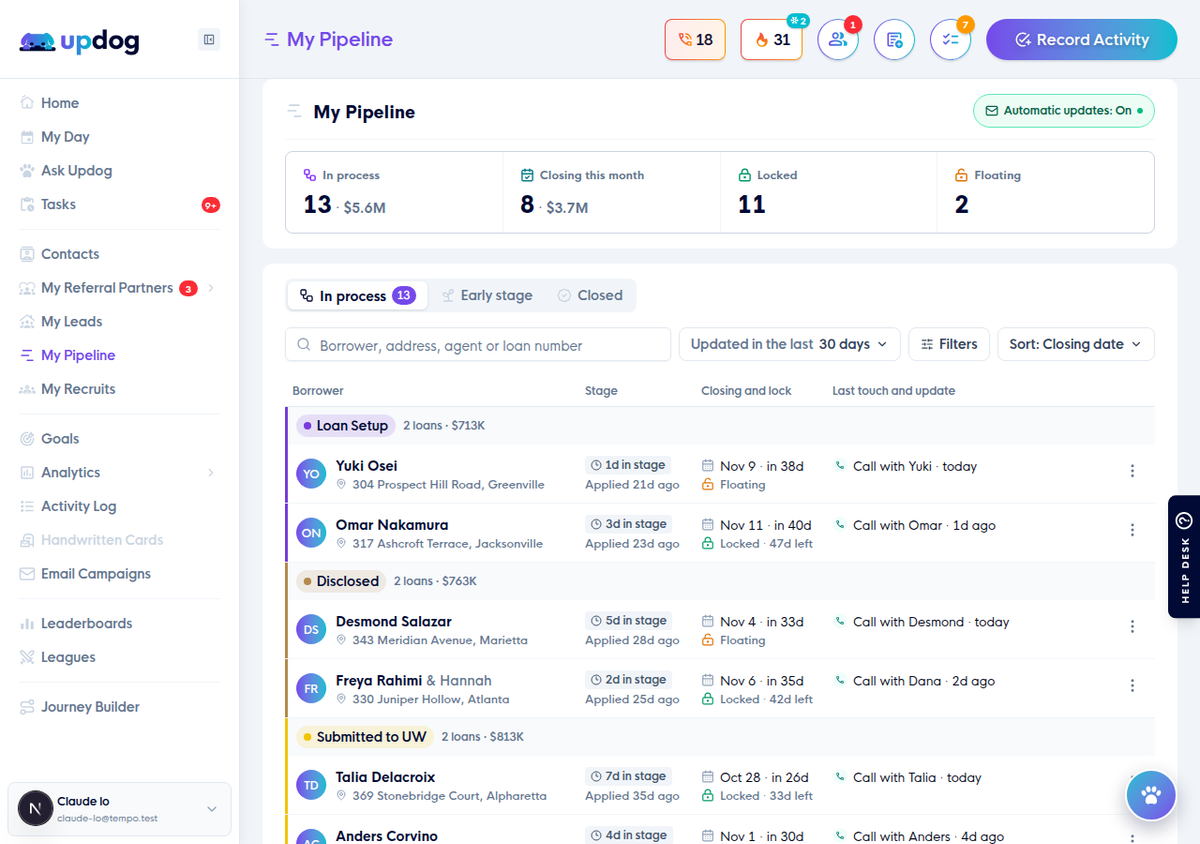
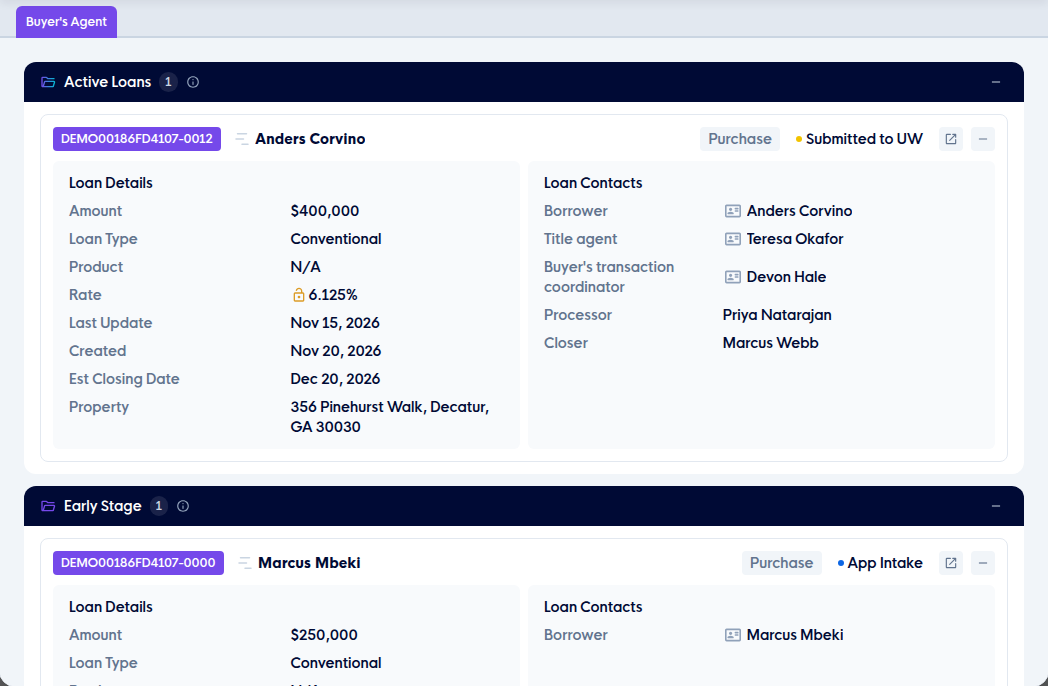
- Open anyone on a loan from their nameIn My Pipeline, select anyone's name on a loan to open their contact. A contact's Loans tab now lists everyone on each loan, each name opens that person's contact, and the borrower's name opens the loan in My Pipeline while the arrow beside it still opens it in ARIVE.
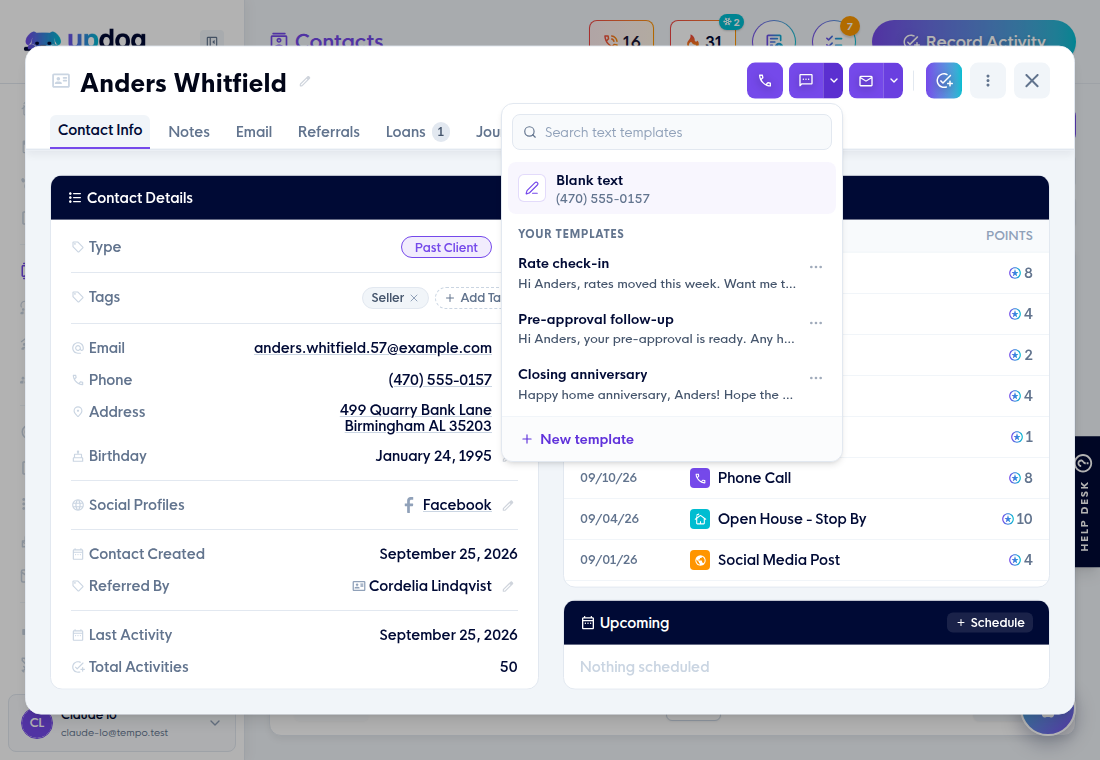
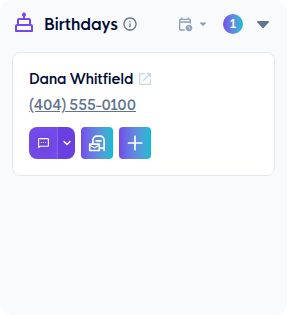
- Text a contact from their birthday or anniversary on HomeText a contact right from their birthday or anniversary on Home. The arrow beside the text button opens your saved texts.
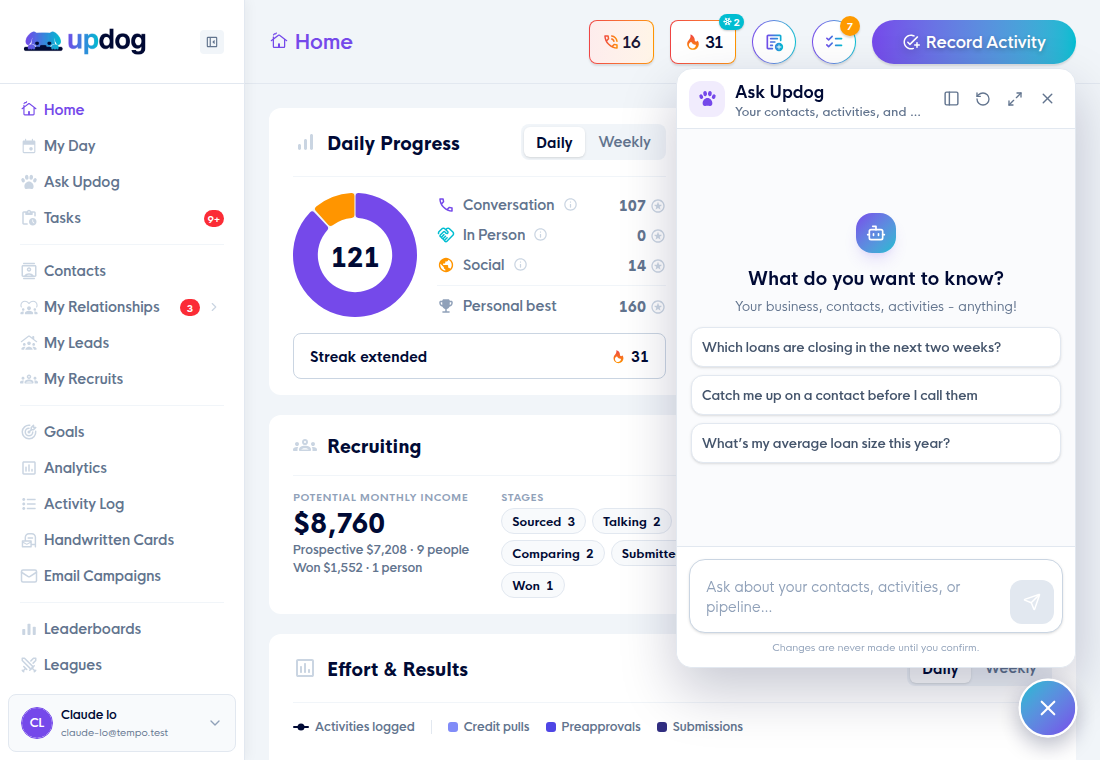
- Ask Updog can say what a meeting invite sends a contactAsk Updog can now tell you what a contact gets when you invite them to a meeting and how their reminders work.
- Open a contact's email in Gmail or Outlook, and choose where a comparison sendsWhen Email opens Gmail or Outlook for you, clicking a contact's email address does too. A loan comparison's Send sheet now lets you choose where its email opens.
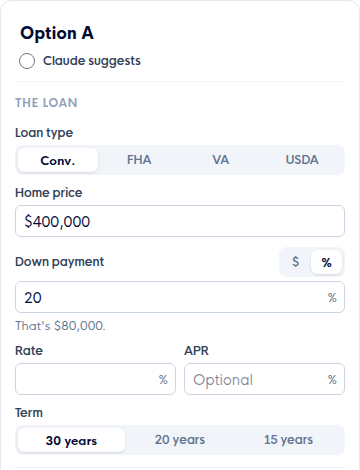
- Loan comparisons take more of your quoteType the down payment as a percent of the price, each refinance option's loan amount as your quote has it, and an Other line for special assessments and Mello-Roos. The borrower's page shows how the cash to close adds up line by line, and Build with AI matches an ARIVE fee worksheet to the cent.
- An assistant's import brings home phones tooWhen an AI assistant imports your contacts for you, it now brings each person's home phone along with their mobile.
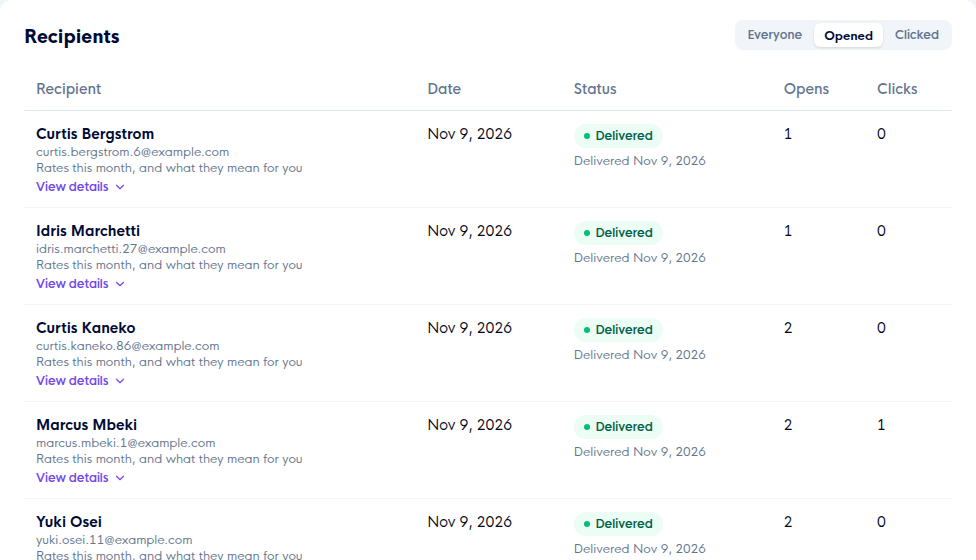
- See who opened or clicked a campaignA campaign's page now lists just the people who opened it or clicked a link in it: choose Opened or Clicked under Recipients. Ask Updog can name them for you too.
- Keep a contact's websites on their cardKeep a contact's websites on their contact card, such as an agent's team site and their Zillow page, and open each one from there.
- Connected assistants log a mass text in one stepWhen you ask ChatGPT, Claude or another assistant connected to Updog to log a text you sent to a list, it can find everyone in a few searches and log up to 100 people in one step, however it shapes the batch, instead of asking you to confirm each one.
- Complete an event from the Event QueueComplete an event straight from the Event Queue on My Day. Finished events turn into a slim green card at the bottom of the queue, so they no longer look like they still need doing.
- Delete a tag you made, and open the referrer from Referred ByDelete a tag you made: choose Add Tag on any contact, then the trash can beside the tag, and it comes off everyone who has it. The Referred By name on a contact now opens that person's contact.
- Merge contacts from Ask UpdogAsk Updog can merge two contacts who are the same person: ask it to, and confirm the card it shows. A new help guide shows how to merge from Contacts, and when the email you keep belongs to another of your contacts, Updog now says who has it instead of failing the merge.
- Texts waiting on your phone: Skip, Windows and a notificationSkip a text waiting on your phone with Skip, without opening it in Messages first. On a Windows computer, a contact's Text button now sends the text to your phone with the words filled in. Without a Mac connected, a journey text that sends on its own notifies the Updog app as soon as it is waiting, and Send on one you review opens it in Messages.
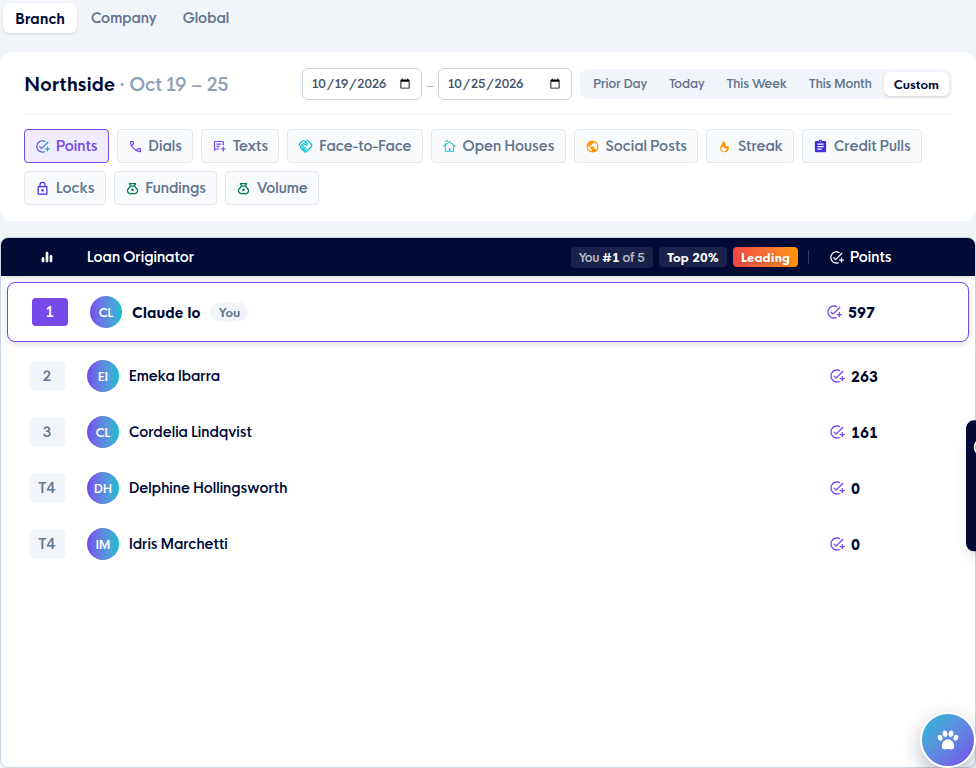
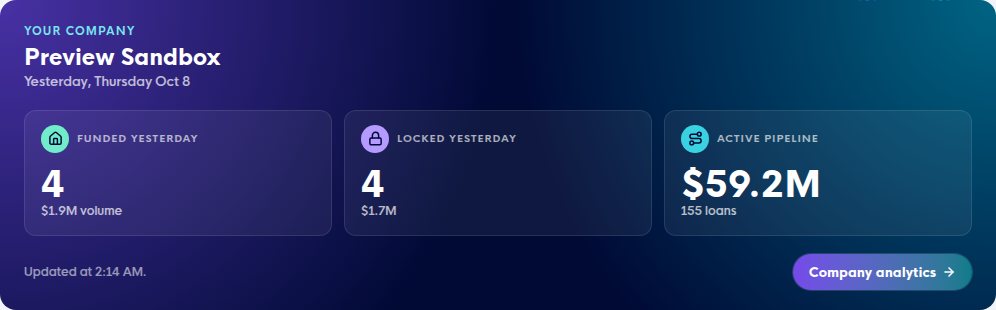
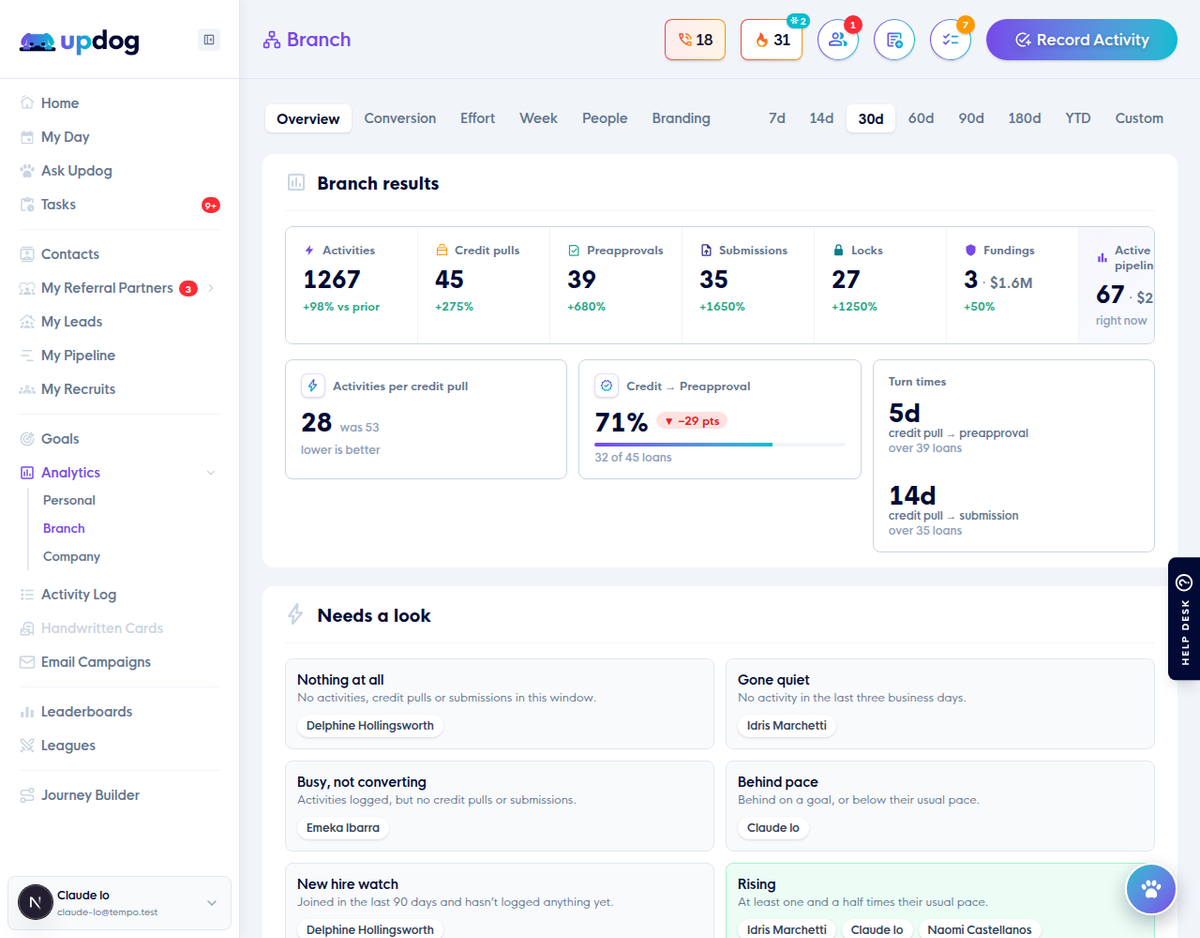
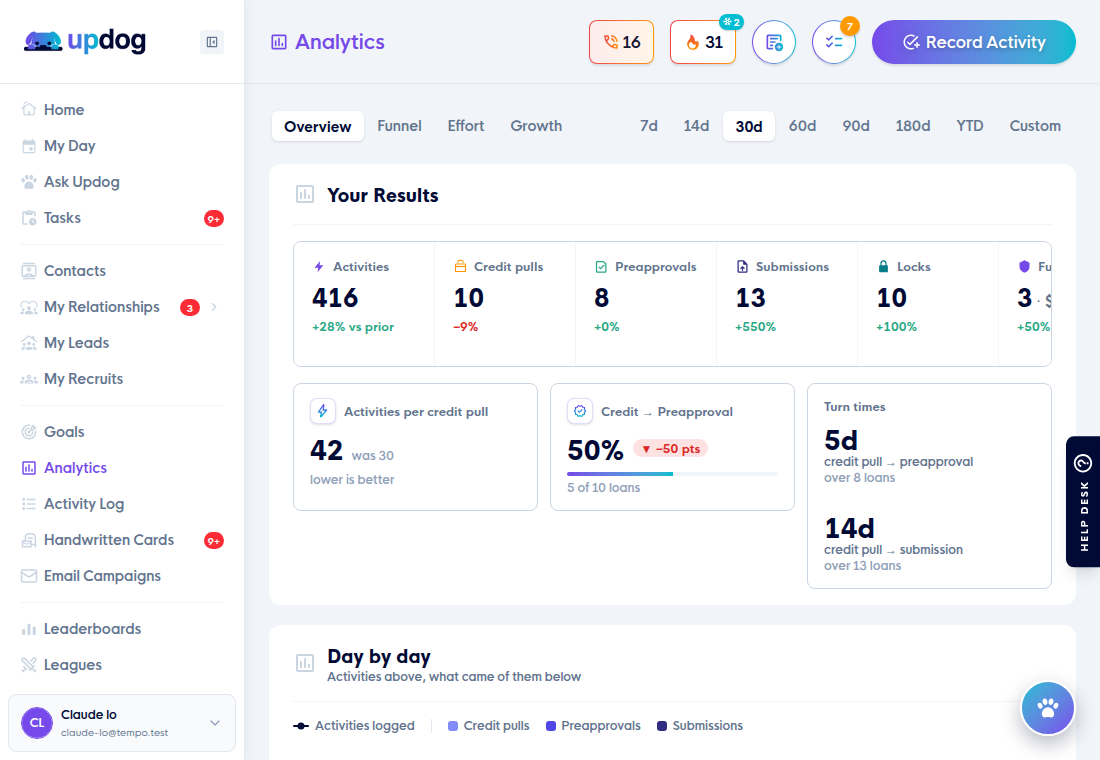
- Yesterday and Today on Analytics, Branch and CompanyAnalytics, Branch and Company now have Yesterday and Today next to 7d and 30d, so you can see one day's numbers without typing the same date into Custom twice. On a Monday, Yesterday covers Friday through Sunday, as Leaderboards do.
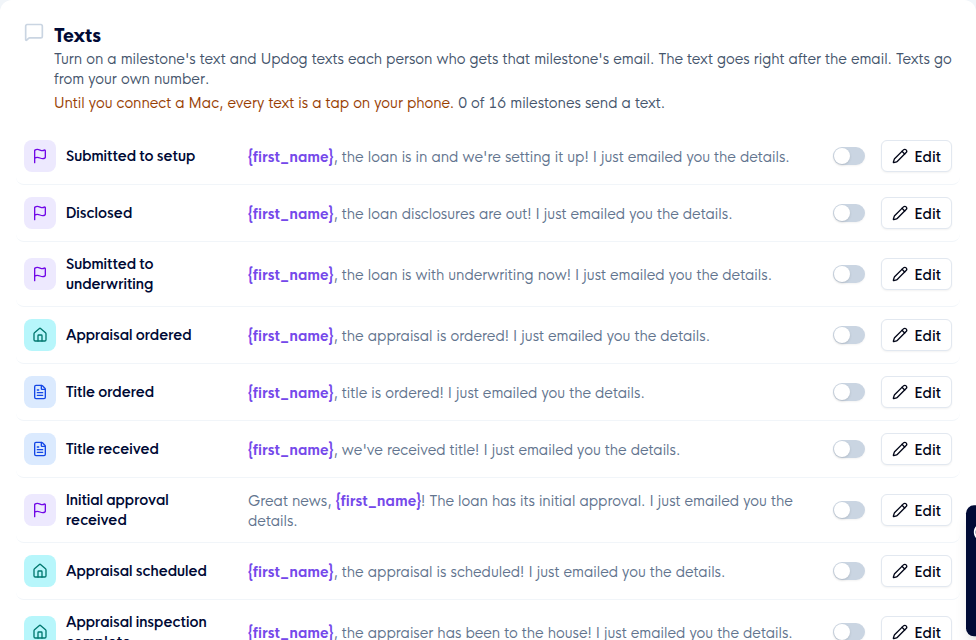
- Turn on a text for each loan milestone from one Texts sectionTurn on a text for each loan milestone from the top of Loan status updates. Updog's own texts and good-news emails also sound a little more excited.
- Journeys can wait for the appraisal, title and a complete applicationA step or a journey's start can wait for Appraisal ordered, scheduled, inspected, received or waived, or for Title ordered or received, and journeys can start or stop when an application is complete. Build with AI in Journey Builder now adds a text step when you ask for one.
Fix
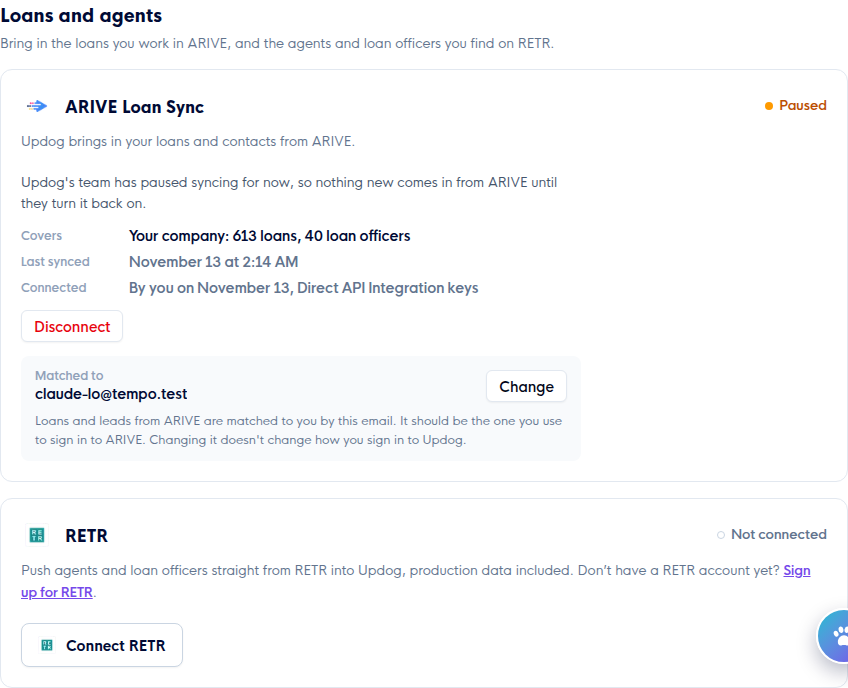
- Your loan numbers match ARIVE'sPast clients you upload no longer count a second time beside the same loans from ARIVE, a loan archived in ARIVE after funding stays out of your fundings, and one archived early comes off My Pipeline's Early stage tab. A name corrected in ARIVE updates the contact unless you renamed them in Updog, and after an ARIVE outage Settings shows your loans synced from the first sync that gets through.
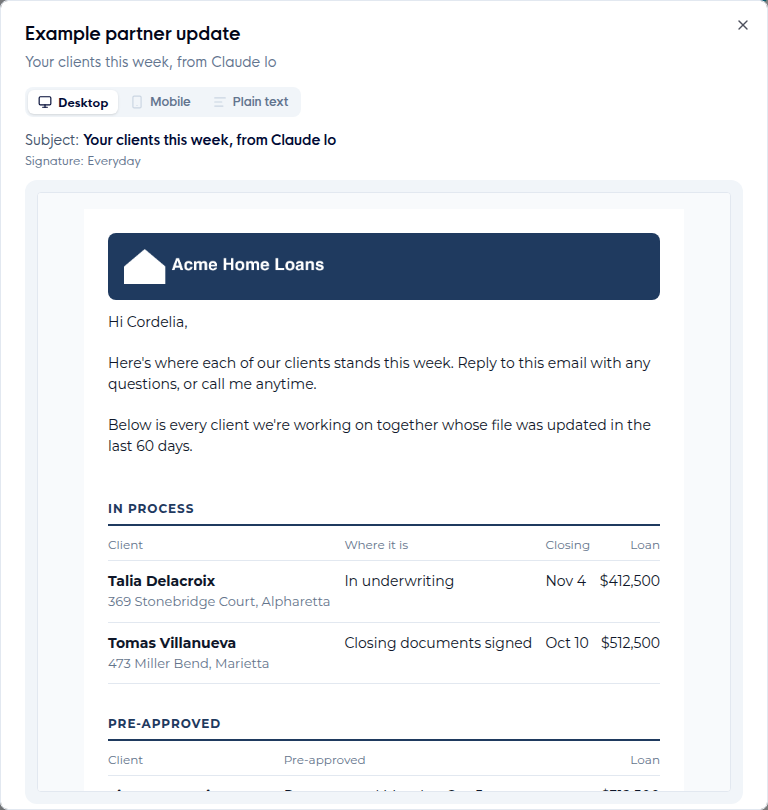
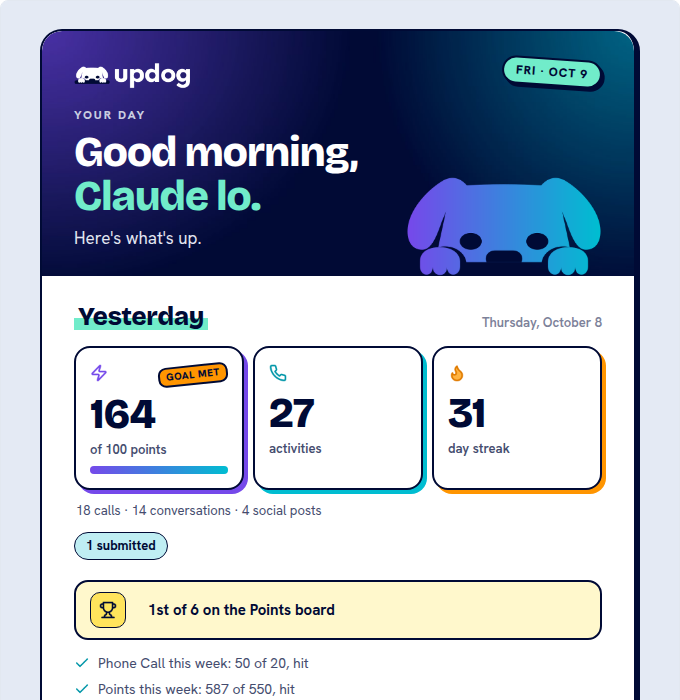
- Updog's emails and pages read right everywhereUpdog's own emails, like Your Day and the partner updates notice, keep their navy header and white logo in Gmail's dark mode on iPhone. The email preferences page your clients open from a footer now shows in its proper typeface.
- Connected AI assistants read everything and keep upAn assistant connected to Updog can now read every loan, lead and activity you have, however many, and one that logs several activities at once no longer loses one. An assistant connecting through Muse gets the same pace as any other, one that searches the wrong way is told how, and Settings and Ask Updog say when ChatGPT or Claude was signed out of Updog.
- Uploads and Tempo history come in rightWhen two loan officers at one company upload loans from a spreadsheet, each one's loans now save. Agents from your Tempo history carry the Real Estate Agent contact type, so agent emails like Weekend Warrior reach all of them.
- To-dos open where you can see themPressing To-dos now always opens your to-do list where you can see it, even if you last moved the list on a bigger screen.
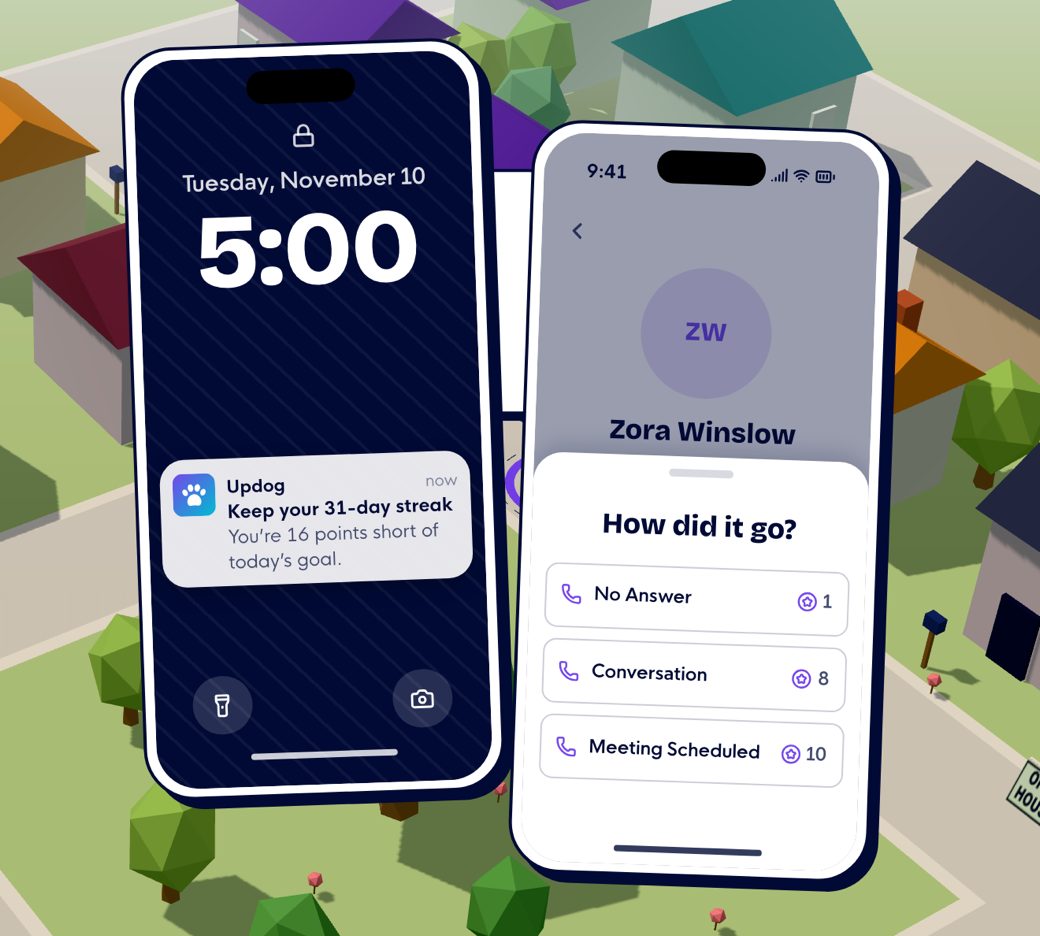
- The iPhone app asks about notifications, and fits small phonesThe Updog app for iPhone now offers Turn on notifications at the top of Home until you answer. On a small phone, the New Loan Submission question fits on the screen, with the borrower's name under the loan number.
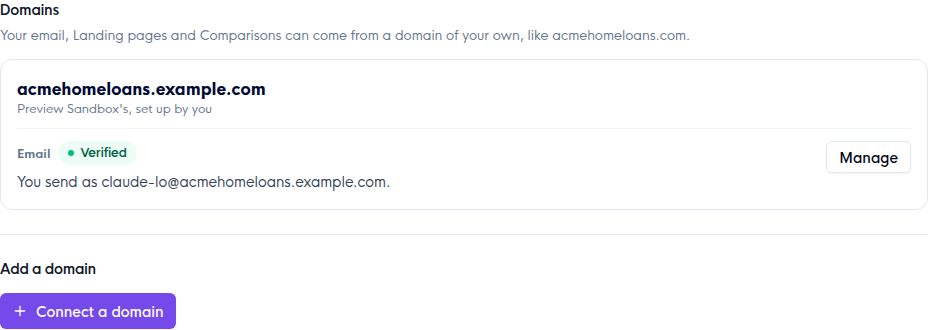
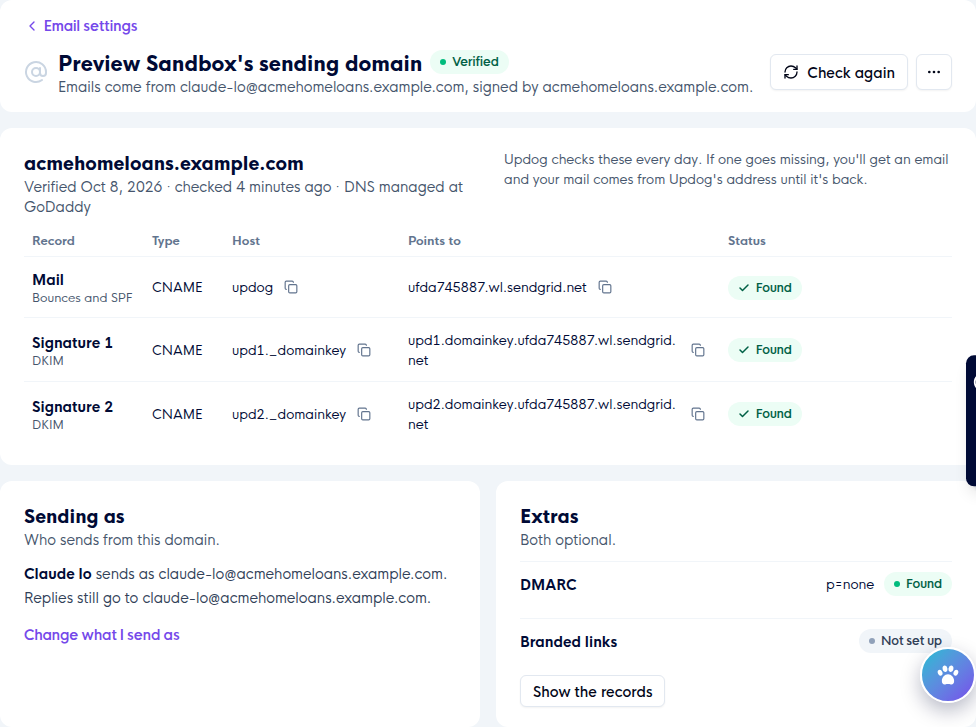
- Finish a sending domain somebody else startedYou can now set up a sending domain even when a colleague started setting it up and never finished, where Updog used to say it could not reach the email provider. When it is the domain your company's email is at, everyone at your company can send from it as themselves once anybody gets the records in.
- Managed Marketing programs stay onPrograms no longer pause themselves when your monthly payment renews, and adding imported contacts to a program no longer stops with "Review data changed" when something else in Updog changes. When your plan ends and you sign up again, turning a program back on brings back everyone who was in it.
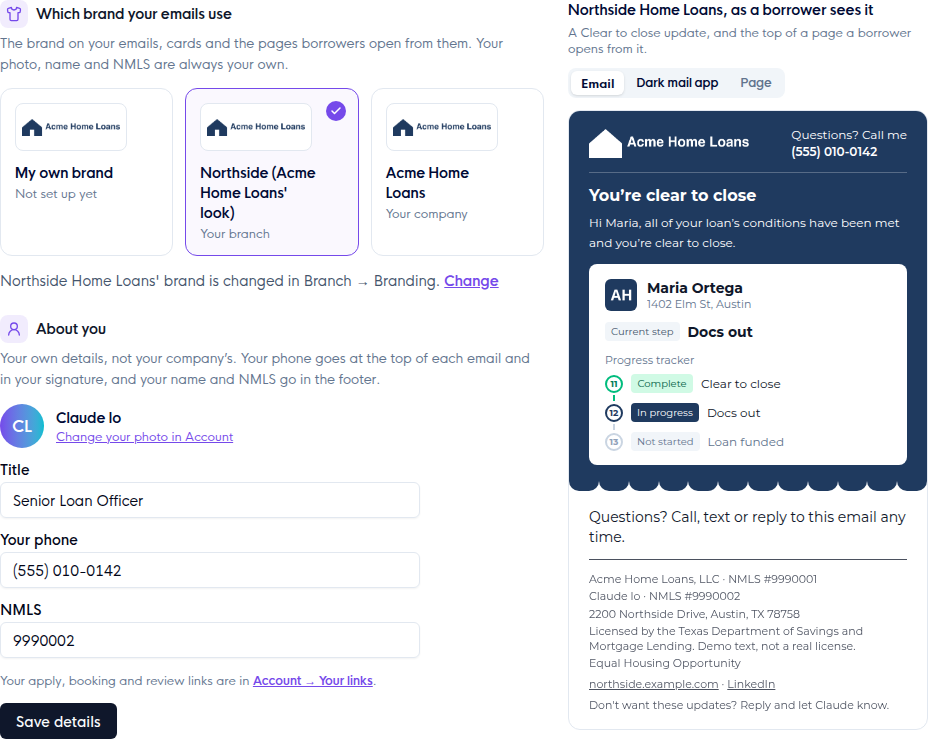
- Fewer needless promptsIf you open the sign-in page while already signed in, Updog takes you straight back in. If you are the only loan officer at your company and have set up your own branding, Updog no longer asks you every day to set up your company's.
- Emails waiting to go show the right statusAn email scheduled for a later day says Scheduled until its day comes, and one waiting to go is no longer held when a call, text or note is logged with the person. A journey says when an email did not send, and a campaign whose chosen contacts include somebody you deleted shows its list right away.
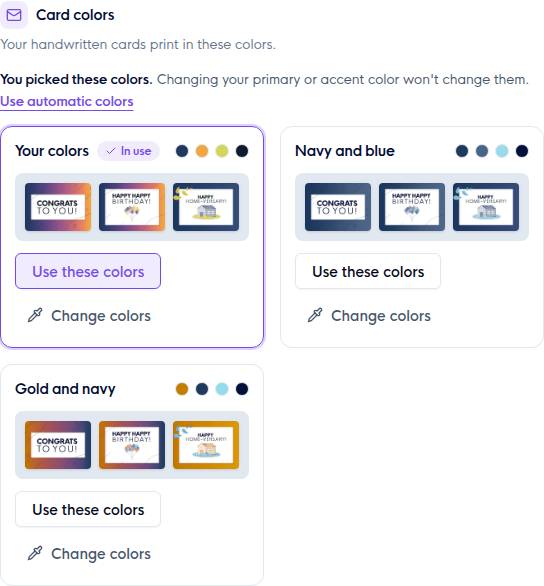
- Handwritten cards go to the home your borrower boughtCards now go to the home your borrower bought once the loan funds, instead of the address they applied from. Updog updates their contact's address to match, and keeps any address you typed in yourself.
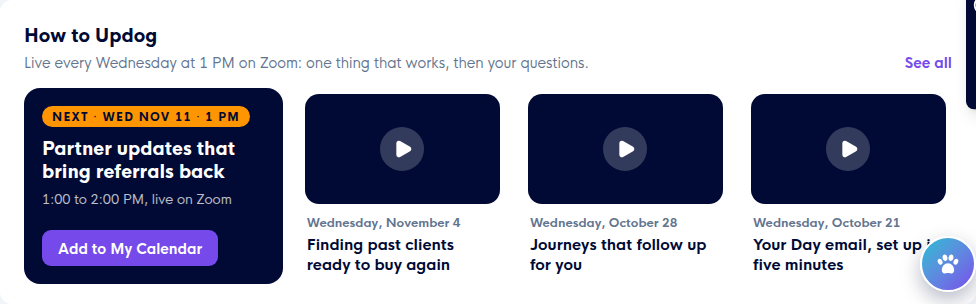
- How to Updog says why Zoom turned down a registrationIf Zoom turns down a How to Updog registration, Updog now says why instead of asking you to try again in a minute.
- A My Day event keeps its length when its start movesMoving a My Day event to a new time with Ask Updog or an AI assistant keeps it the same length, where it could fail to save. When the calendar cannot save a change, the message says which part it could not take.